
CH Flight Sim Yoke
CH Flight Sim Yoke
Gästpris:
Ditt medlemspris:
1 880 kr
2 180 kr
Kampanjpris! (-6%)
Kampanjpris! (-19%)
- Inköpspriser för medlemmar (Logga in)
- Frakt från 0 kr
- 14 dagars öppet köp
Frågor? Starta chatt

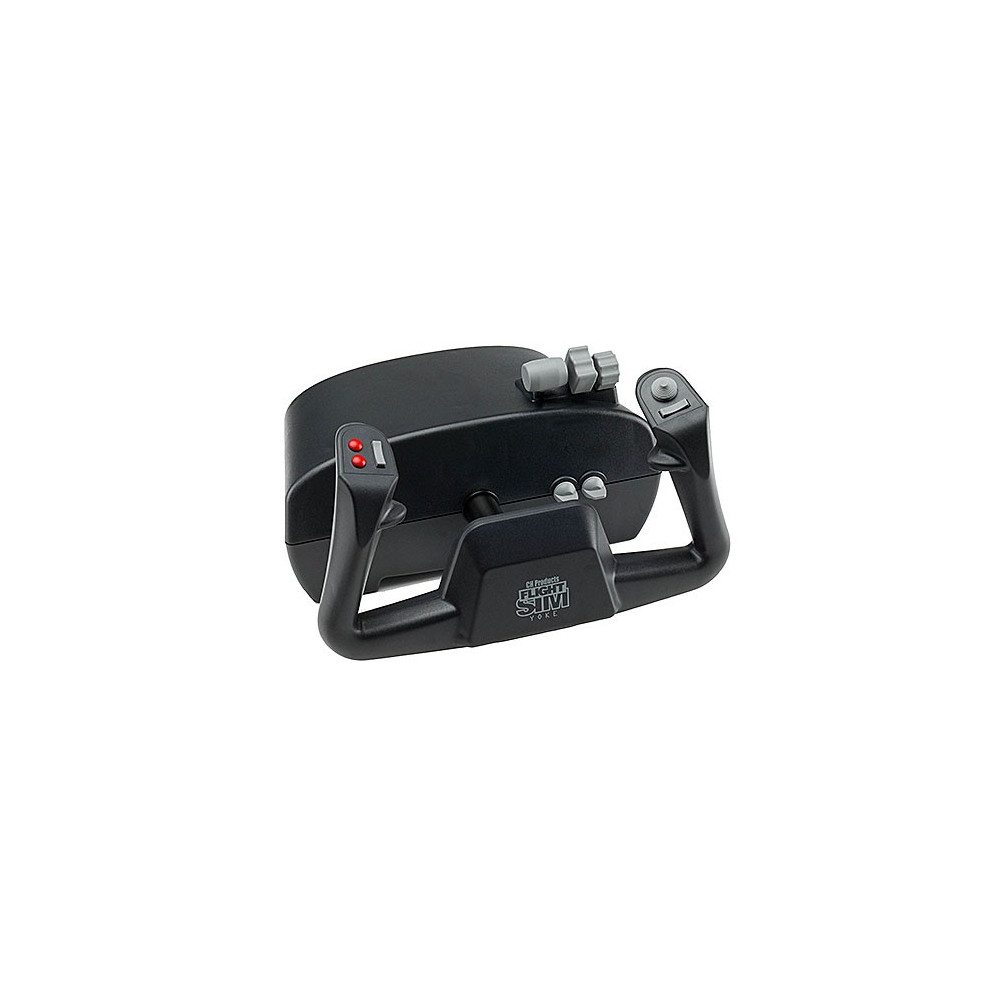
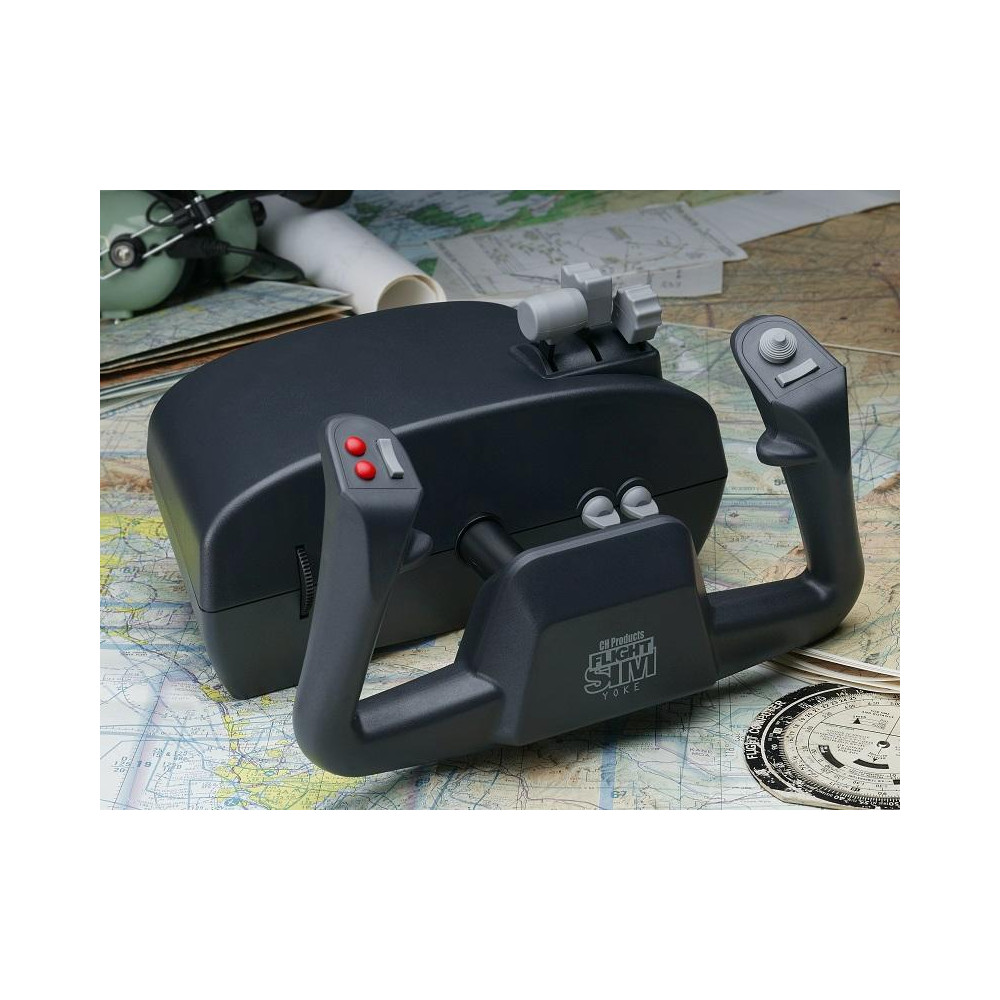
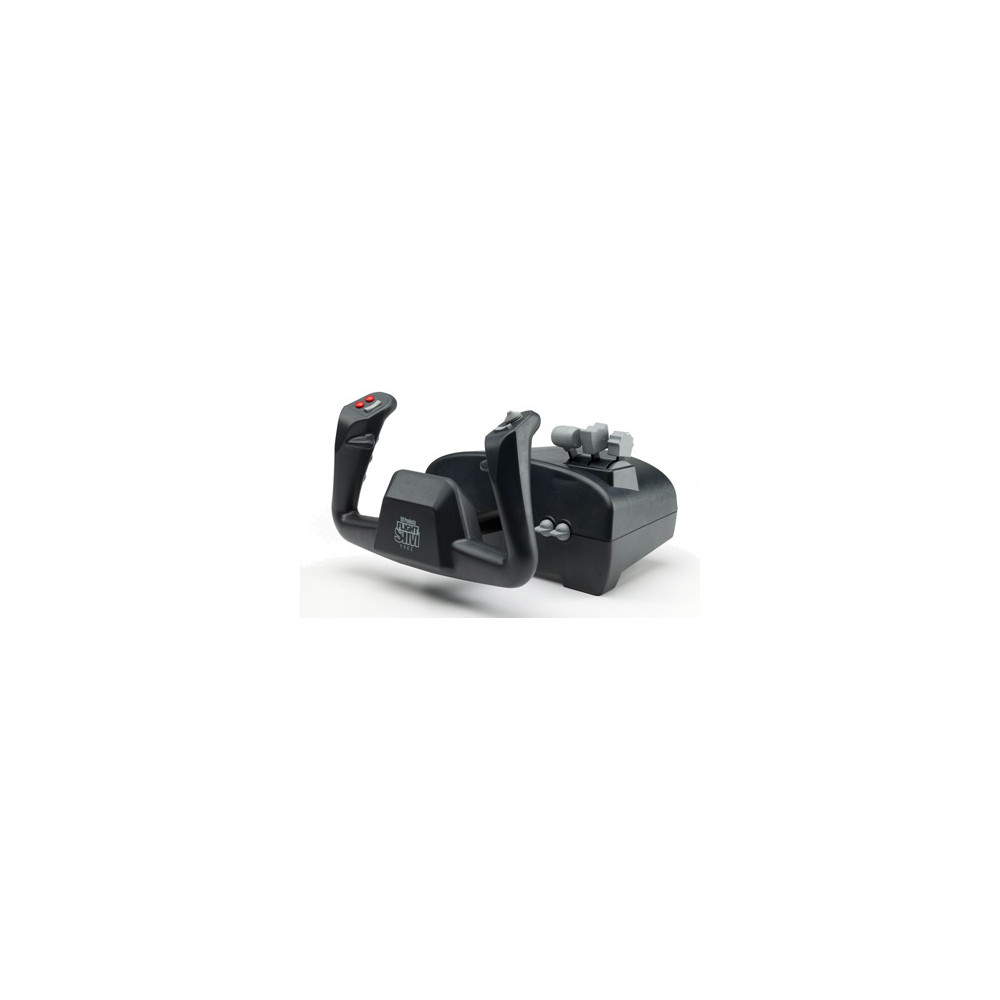
The Flight Sim Yoke is a 5 axis, 20 button avionics flight yoke designed for flight simulation and pilot training. Ergonomic yoke grip with smooth, realistic in and out movement and Throttle, propeller and mixture control at your fingertips.
KEY FEATURES:
5 axis and 20 buttons, X & Y axis on the grips for aileron and elevator, Z, R & U axis in the levers for Throttle, prop, mixture
Four traditional push buttons, 2 bi directional flip switches, 2 bi directional rocker switches and 1 eight-way POV hat switch
Total of 144 programmable functions with optional PC programming software (included)
Large, sturdy mounting base with 7 foot USB cable
Plug and Play driverless USB installation for both PC and Macintosh
Compatible with Windows 98, 2000, XP, Vista, 7, 8 and Mac OSX
Typical Applications
CONTROL MANAGER PC Software Download-
Version 4.xx
Download the current version of Control Manager Software here.
PLEASE NOTE: This software is programming software only. NOT DEVICE DRIVERS! If you are unsure if you need this software, do not install.
Introduction
The Control Manager software allows a user to program their CH USB devices. The CH Control Manager currently supports the following CH USB devices…
• Eclipse Yoke
• Multi Function Panel (MFP)
• Fighterstick
• Combatstick
• Flightstick Pro
• Flight Sim Yoke
• Pro Throttle
• Throttle Quadrant
• Pro Pedals
Limitations
The Control Manager is compatible with Windows 98, ME, 2000, XP, XP 64bit Edition, Windows Vista (all editions), as well as Windows 7 & 8 (all editions). It is only compatible with CH USB devices.
Installation Instructions
VERY IMPORTANT !!!
Before installing the newest version of Control Manager, be sure to uninstall any previous versions from your computer. Also, be sure that any anti-virus software is disabled.
How do I install the Control Manager?
Select your version of Windows from the drop down menu and click on the "DOWNLOAD" button to begin downloading the CH Control Manager.
• Windows 98 and ME users must disconnect all CH USB devices before installing the Control Manager.
• Windows 2000, XP, Vista, and Windows 7 & 8 users must connect all CH USB controllers before installing the Control Manager. MFP owners must install the CH Control Manager BEFORE connecting the MFP.
Once the download is completed, double click on the "setup" icon to begin installation of the Control Manager.
Artikelnummer
3817178
EAN
0040478206153
4.2
Baserat på 171 recensioner
Leverans:
Denna produkt skickas från oss inom 2 - 3 vardagar. I kassan väljer du om du vill få leverans med Budbee, Airmee, Best Transport, Early Bird, Postnord eller DB Schenker. Vissa speditörer har vikt- eller storleksbegränsningar och kan av den anledningen saknas som alternativ i kassan om du handlar många eller väldigt stora produkter.Fri retur:
För medlemmar gäller fri retur och 14 dagars full returrätt från den dagen du tar emot din leverans. För övriga kostar retur från 49 kr.Undantag för retur- och ångerrätt:
Dessa är exempel på varor som inte omfattas av retur- eller ångerrätt. Observera att det kan finnas andra undantag som inte listas här.- Använda, skadade och/eller inkompletta produkter
- Dagligvaror (livsmedel, läkemedel, nikotinprodukter)
- Hygienartiklar & kroppsnära produkter (rakapparater, in ear-hörlurar, aktivitetsklockor)
- Intimprodukter (menskoppar, kondomer och glidmedel)
- Kosmetikprodukter (inkl. hår- och hudvårdsprodukter, parfymer, etc.)
- Underkläder (inkl. badkläder, underställ och strumpor)
- Ljud- & bildupptagningar, spel/program (om förseglingen brutits eller licensnyckeln erhållits.)
- Teknikprodukter om försegling brutits eller programvara har installerats (mobiltelefoner, surfplattor, laptops, etc.)
- Gratisprodukter
Om du är osäker på om en produkt omfattas av ångerrätt kan du alltid kontakta vår kundtjänst på info@buyersclub.se, så hjälper vi dig gärna!
Leveranser:


